
Tables and views both expose data, but they are designed for different purposes. A table physically stores data. A view usually stores a query that reads data from one or more tables.
Table — better for direct data access
Tables are ideal when the application needs fast and predictable access to stored data.
Indexing
Tables can use indexes to improve filtering, sorting, joins, lookups, and pagination. For example:
SELECT *
FROM orders
WHERE customer_id = 100
ORDER BY created_at DESC
LIMIT 50;
With the right indexes, this can be very efficient even when the table contains millions of rows.
Better for pagination
Tables are usually easier to optimize for paging — page 1, page 2, page 3, and so on — especially when using indexed columns or keyset pagination.
Plain and predictable data
A table normally represents relatively direct data, such as a customer, order, product, or transaction. The database can optimize access because the data structure, indexes, and statistics are clearly defined.
View — better for real-time combined data
A view is useful when you want a reusable representation of data without duplicating it. For example:
CREATE VIEW sales_report AS
SELECT
    customer.name,
    SUM(order_item.amount) AS total_sales
FROM orders
JOIN customers customer ON ...
JOIN order_items order_item ON ...
GROUP BY customer.name;
Applications can then use:
SELECT *
FROM sales_report;
Real-time reporting
A normal view reads from its underlying tables when queried. This makes it useful for dashboards, reports, combining multiple tables, calculated fields, reusable business queries, and exposing simplified data models. When the underlying data changes, the next query against the view reflects those changes.
Easier query reuse
Instead of repeating a complex query across applications, the SQL logic can be maintained in one place and reused by any application that queries the view.
View performance limitations
A normal view is not automatically faster than querying the tables directly. If a view contains multiple joins, GROUP BY, SUM/COUNT, subqueries, or window functions, the database may still need to perform that work every time the view is queried.
Indexing is also different from tables — normal views usually rely on indexes from their underlying tables. Some database engines support concepts such as indexed views, materialized views, or query result caching, but availability and behavior depend on the database engine.
Quick comparison
| Area | Table | View |
|---|---|---|
| Stores data | Yes | Usually no |
| Direct indexing | Excellent | Engine dependent |
| Pagination | Excellent | Depends on query |
| Simple data access | Excellent | Good |
| Complex joins | Query required | Easy to reuse |
| Real-time reporting | Requires query | Excellent |
| Aggregation | Query required | Convenient |
| Performance predictability | Higher | Depends on underlying query |
| Data duplication | — | Avoids duplication |
| Business query reuse | Application/query layer | Excellent |
When should you use each?
Use a table when you need fast lookup, indexing, pagination, and predictable performance. Use a view when you need real-time reporting, reusable joins, aggregation, and simplified data access.
A common architecture is:
Application
     |
     ├── Tables → CRUD / Search / Pagination
     |
     └── Views → Reports / Dashboards / Analytics
The important point is that a view should not be treated as a performance optimization by default. A view primarily provides abstraction and reusable query logic — performance still depends on the underlying tables, indexes, query complexity, and the capabilities of the database engine.
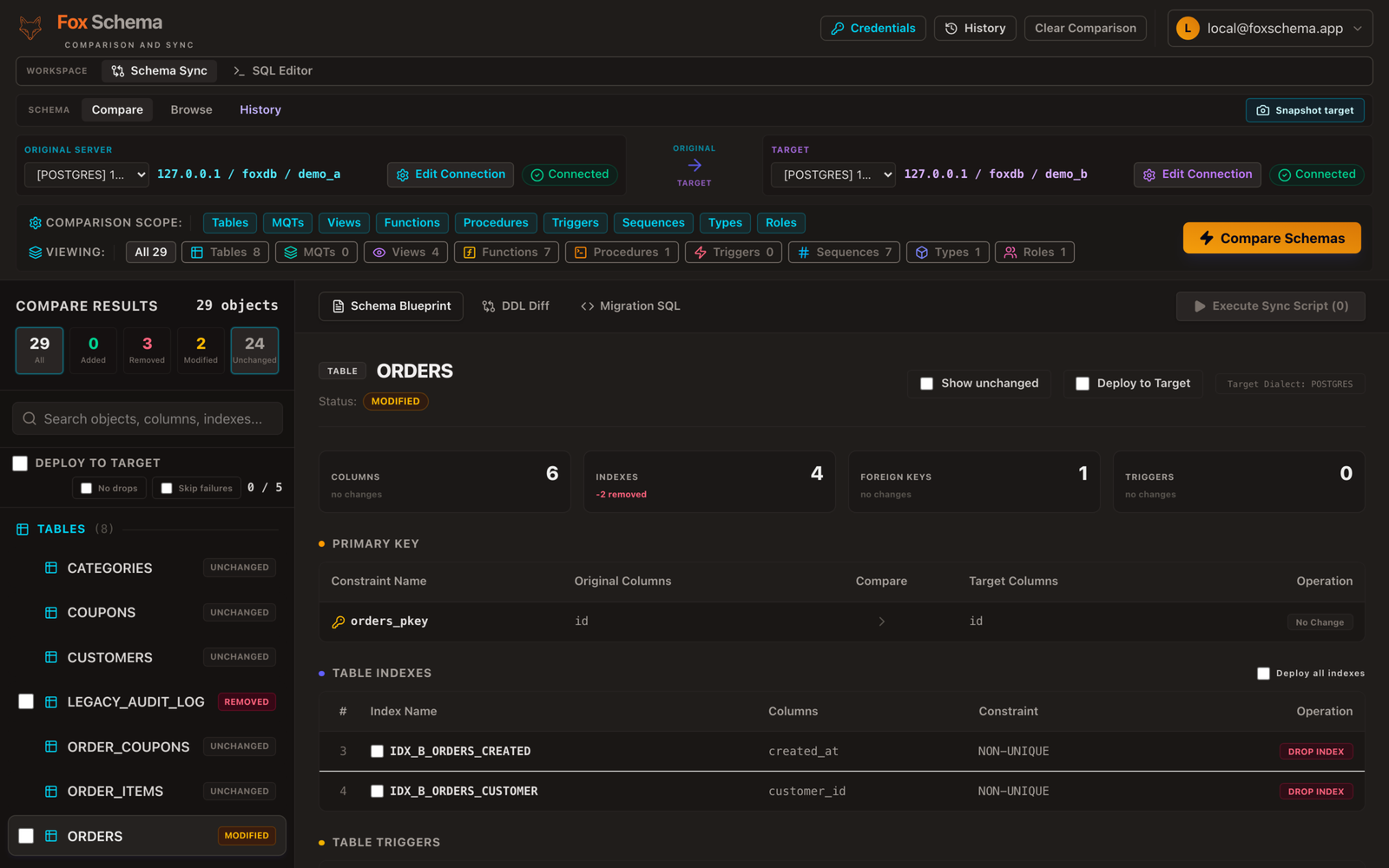
Views and materialized views are also one of the trickier objects to carry across database engines during a migration, since support and behavior vary by dialect. A schema comparison will show you which views translate cleanly and which need a manual review before you migrate.
