
Most slow-query complaints trace back to the same root cause: the database is scanning far more rows than the query actually needs. Good database indexing strategies are usually the highest-leverage performance work available — cheaper than sharding, less risky than a rewrite, and they benefit every application sitting on top of the database, not just one endpoint.
What an Index Actually Buys You
An index trades write cost and disk space for read speed: instead of scanning every row to find matches, the database walks a sorted structure (usually a B-tree) straight to the rows that qualify. That's a huge win for a query filtering or joining on a handful of rows out of millions — and no help at all for a query that has to touch most of the table anyway, where a sequential scan can actually be faster than fighting through an index. The first strategic question isn't "which columns need an index," it's "which queries are selective enough for an index to matter."
Composite Indexes and Column Order
An index on (customer_id, created_at) is not the same as one on (created_at, customer_id). A composite index is only useful as a prefix match — the leftmost column has to be part of the filter for the index to be usable at all, and column order should follow how the application actually queries, not how the table happens to be defined. A query filtering on customer_id alone can still use a (customer_id, created_at) index, but a query filtering on created_at alone cannot use it efficiently. Getting column order backwards is one of the most common reasons an index exists but never gets picked by the planner.
Covering Indexes: Skip the Table Entirely
When an index includes every column a query needs — both in the filter and in the selected columns — the database can answer the query from the index alone, without a second lookup into the table. This is called an index-only scan, and it's often the single biggest jump in performance available for a hot read path, because it turns a two-step lookup into one. Most dialects support this either implicitly (adding selected columns to a composite index) or explicitly (Postgres and SQL Server's INCLUDE clause), and it's worth checking dialect-specific syntax rather than assuming it ports directly.
The Cost Side: Every Index Taxes Every Write
Indexes aren't free. Every INSERT, UPDATE, and DELETE has to maintain every index on the table, so a table with a dozen indexes pays that cost a dozen times on every write. This is the usual failure mode of "just add an index" as a reflex fix: read performance improves, and write throughput quietly degrades until someone notices batch jobs or high-volume inserts have slowed down. Indexing is a balance specific to each table's read/write ratio, not a one-way lever.
Index Bloat and Maintenance
Indexes degrade over time under heavy update and delete traffic — dead entries accumulate before the database reclaims them, and the index grows larger and less efficient than a freshly built one for the same data. Most engines expose a way to check index bloat or fragmentation, and a periodic rebuild or reindex on high-churn tables is routine maintenance, not a sign something is broken. Left unchecked, a bloated index can end up costing more than it saves.
Reviewing Indexes as the Schema Evolves
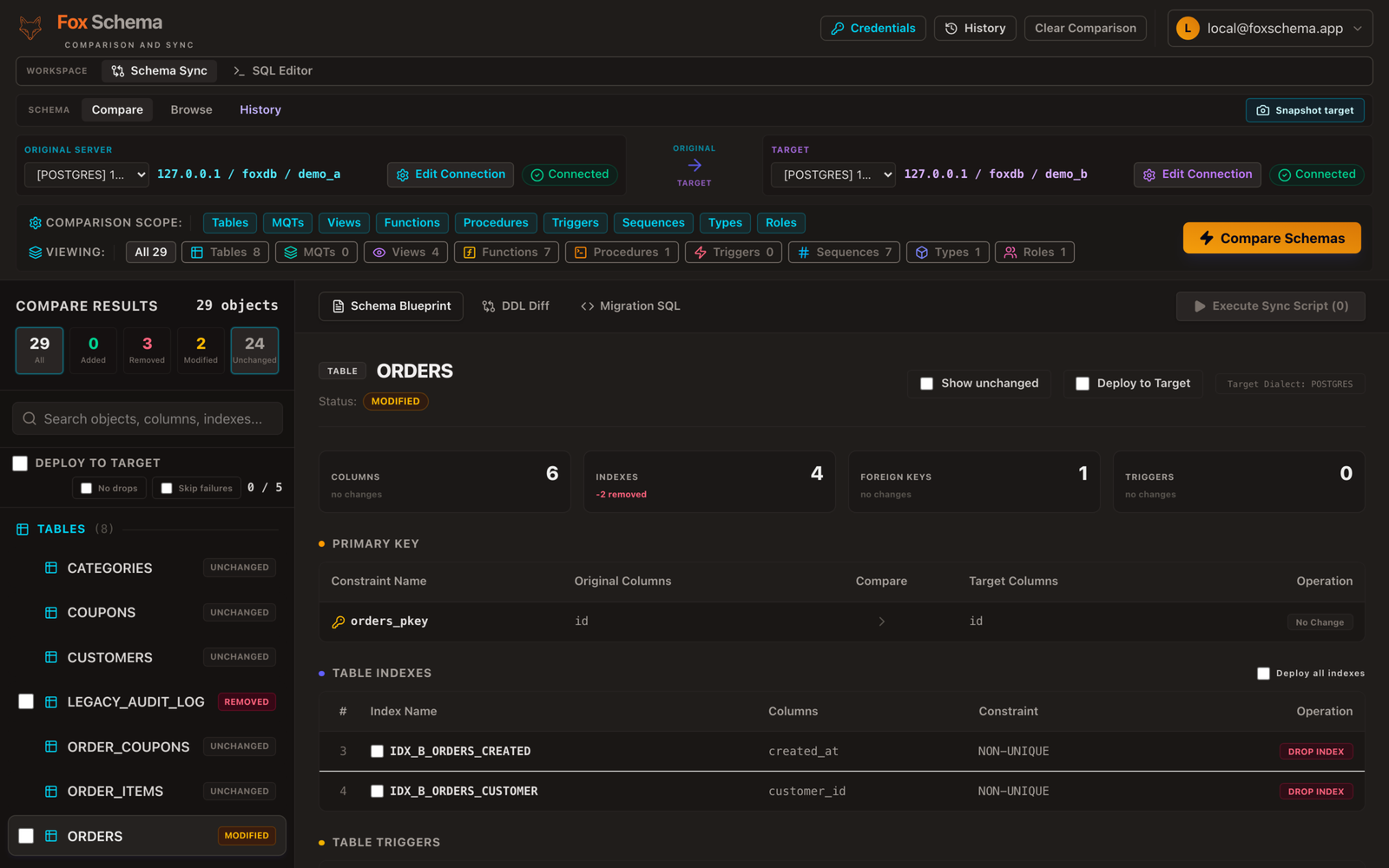
Indexes drift out of alignment with query patterns as an application changes — a column that used to be filtered on stops being queried, and the index that once mattered is now pure write overhead nobody remembers adding. Treating index review as part of every schema change, rather than a separate performance-tuning pass, catches this before it accumulates. FoxSchema's blueprint view lists every index alongside its column position in the diff, so an index that's about to be added, dropped, or reordered by a migration is visible in the same place as the rest of the schema change — see how it fits into comparing schemas and generating migration SQL.
Want to see your own indexes alongside a full schema diff? Self-host FoxSchema in Docker or check the docs to get started.
