
Data masking for a dev or staging environment means letting engineers work against realistic data without exposing real customer names, emails, or balances. FoxSchema's SQL Editor ships @faker-js/faker as a built-in import in FoxScript, so masking is a script you run in the editor, not a separate tool to install.
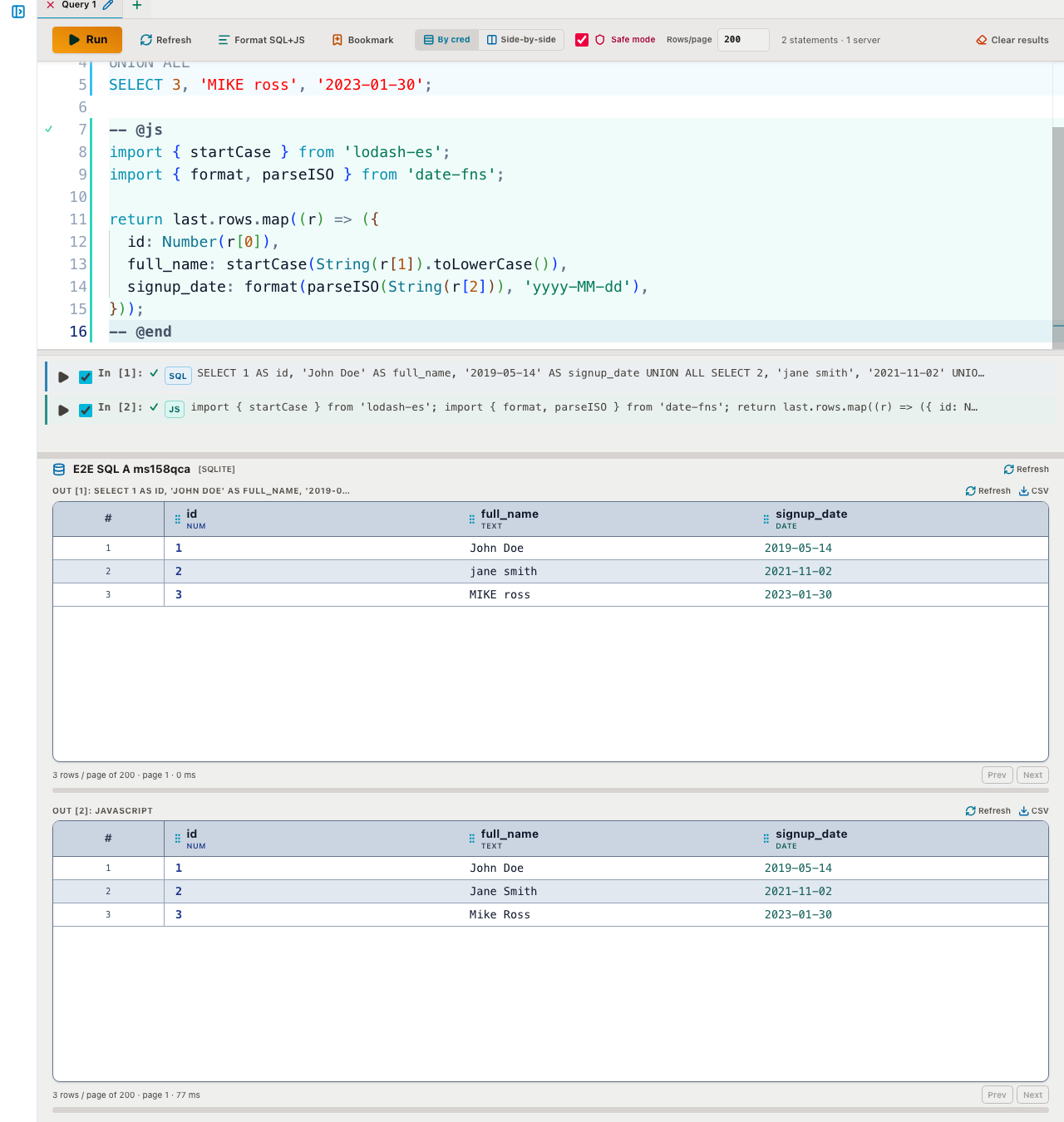
Faker is a first-class import, not a workaround
FoxScript code cells (-- @js / -- @ts in the browser, -- @node / -- @nodets on the server) allow a small set of bundled imports — lodash, lodash-es, date-fns, and @faker-js/faker — with no CDN fetch and no install step:
import { faker } from '@faker-js/faker';
faker.seed(2026);

return Array.from({ length: 10 }, (_, i) => ({
  id: i + 1,
  name: faker.person.fullName(),
  email: faker.internet.email(),
  city: faker.location.city(),
  signed_up: faker.date.past({ years: 2 }).toISOString().slice(0, 10),
  balance: Number(faker.finance.amount({ min: 0, max: 5000, dec: 2 })),
}));
faker.seed(n) is what makes this useful for more than one-off demos: the same seed always produces the same values, so a script is reproducible across runs instead of generating a new dataset every time.
Masking real rows in place
The more common case isn't generating fake rows from nothing — it's taking rows you already queried and replacing the sensitive columns before anyone looks at the result. This is a bundled sample in the SQL Editor (Bookmarks → Add samples → JS mask real rows with faker):
SELECT id, email FROM customers;

-- @js
import { faker } from '@faker-js/faker';

// Seed per row id, not once for the whole cell. Re-running gives the same
// replacement for the same id, so a value duplicated in another table can be
// masked to match instead of drifting apart.
return (last?.rows ?? []).map((r) => {
  const id = Number(r[0]);
  faker.seed(id);
  const name = faker.person.fullName();
  return {
    id,
    real_email: String(r[1]),
    masked_name: name,
    masked_email: faker.internet.email({ firstName: name.split(' ')[0] }),
  };
});
-- @end
Seeding per row id instead of once for the whole cell is the detail that matters: it means the same customer always masks to the same fake name and email, run after run, table after table. That keeps foreign-key relationships and joins meaningful in the masked data instead of turning every join into random noise.
Seeding a whole scratch table
When dev doesn't need real rows at all — just a table shaped like production, with plausible data — a -- @node cell can build and load it directly, since Node cells get a sql tag bound to the run's connection:
-- @node
import { faker } from '@faker-js/faker';

const rows = Array.from({ length: 25 }, (_, i) => {
  faker.seed(1000 + i);
  return {
    id: i + 1,
    name: faker.person.fullName(),
    email: faker.internet.email(),
    city: faker.location.city(),
  };
});

await sql`DROP TABLE IF EXISTS fox_demo_people`;
await sql`CREATE TABLE fox_demo_people (id INTEGER, name VARCHAR(200), email VARCHAR(200), city VARCHAR(200))`;
await sql`INSERT INTO ${sql.id('fox_demo_people')} ${sql.values(rows)}`;
This needs Safe mode off, since it writes and runs DDL — point it at a scratch database, never production.
Masking on the way from prod to dev
Combine masking with Server Beam and you can copy from a real source straight into a dev target without the real values ever landing anywhere in between. Check the production connection first and the dev connection second, then:
-- @node
import { faker } from '@faker-js/faker';

const src = await sql.on('source')`SELECT id, email FROM customers`;
const masked = src.map((r) => {
  faker.seed(r.id);
  return { id: r.id, email: faker.internet.email().toLowerCase() };
});

await sql.on('target')`
  INSERT INTO ${sql.id('customers')} ${sql.values(masked)}
`;
The source read and target write are both bind-parameterised, and the real email values never leave the script — only the faker-generated replacements get written to dev.
Getting started
All three samples above are pre-installed — open the SQL Editor sidebar, go to Bookmarks → Add samples, and look for the faker-tagged entries. See the documentation for the full code-cell reference, or install FoxSchema to try masking against your own schema.
